


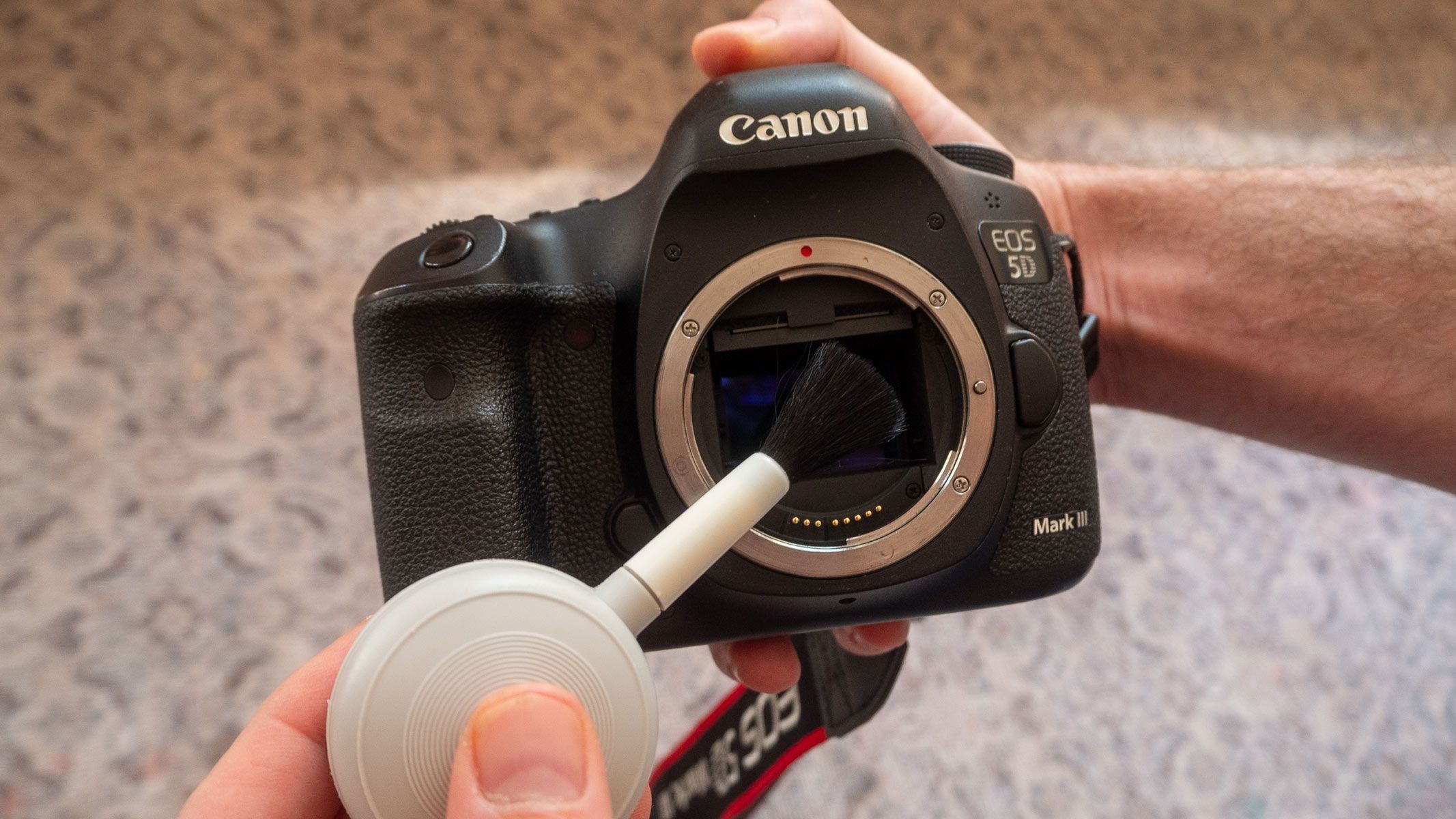
Maintaining a clean camera sensor is crucial for high-quality photography, especially in astrophotography where even small dust particles can ruin an image. While software can correct minor imperfections, preventing them through regular cleaning is faster and more effective. This guide outlines how to clean your camera’s sensor at home, covering everything from basic tools to handling more serious issues.
Why Sensor Cleaning Matters
Dust and debris inevitably enter your camera whenever you change lenses. This contamination manifests as dark spots, smudges, or blurriness in your photos. While easily fixed in post-production, cleaning the sensor directly saves time and ensures optimal image quality from the start.
Tools and Methods
Here’s a breakdown of the most common cleaning methods, progressing from least to most invasive:
1. Air Puffers: The First Line of Defense
Air puffers (also called air blowers) are inexpensive and easy to use.
How to Use:
1. Turn off your camera and engage sensor-cleaning mode (check your manual).
2. Hold the camera upside down to allow dust to fall out.
3. Gently squeeze the puffer to release short bursts of air onto the sensor.
Benefits: No sensor contact, reducing damage risk.
Drawbacks: Ineffective for stubborn dust or oily smudges. Avoid canned air, as it can leave residue.
2. Sticky Pads/Swabs: Removing Stubborn Debris
Sticky pads lift particles from the sensor without leaving residue. Ideal for stubborn dust that air puffers can’t remove.
How to Use:
1. Lock up the sensor as with an air puffer.
2. Press the pad onto the sensor, or slide a swab gently from one side to the other.
3. Dispose of the pad/swab immediately.
Benefits: Highly effective for dry dust, no liquid risk.
Drawbacks: Useless for oil or smudges, requires careful handling.
3. Cleaning Solutions & Brushes: Deep Cleaning for Smudges
For oil, smudges, or water spots, use a specialized sensor cleaning solution with a clean brush or swab.
How to Use:
1. Apply a few drops of solution onto a sensor swab.
2. Gently swipe across the sensor in one direction.
3. Let dry before taking a test shot.
Benefits: Removes grease and smudges effectively.
Drawbacks: More expensive, potential for streaks if done incorrectly.
Dealing with Accidents: Scratches, Water Spots, Smudges
Despite your best efforts, accidents happen. Here’s how to address common issues:
- Scratches: Minor scratches on the protective glass cover are usually harmless. Deep scratches may require sensor replacement.
- Water Spots: Use sensor cleaning solution and a swab to gently wipe away moisture. Store your camera in a dry environment with silica gel packs.
- Smudges: Avoid rubbing with cloth, as this spreads contamination. Use a specialized cleaning solution and swab.
When to Seek Professional Help
If you’re uncomfortable cleaning your sensor or the contamination is severe, professional cleaning services are available at camera stores or from manufacturers. This ensures expert care, though turnaround times may vary.
Final Thoughts
Keeping your camera sensor clean is essential for maintaining image quality. From simple air puffers to wet cleaning solutions, the right tools and techniques can prevent costly repairs and ensure your photos remain sharp and pristine.


